Upload any song
Upload an MP3 or WAV file for AI vocal separation.
 Music in. Stems out.
Use AI to turn finished music into editable stems. Upload MP3 or WAV, or start from a public Suno URL.
Both options use the same AI separation engine. Your first separation is free.
Upload an MP3 or WAV file for AI vocal separation.
Paste a public Suno link and let TuneStem separate it with AI.
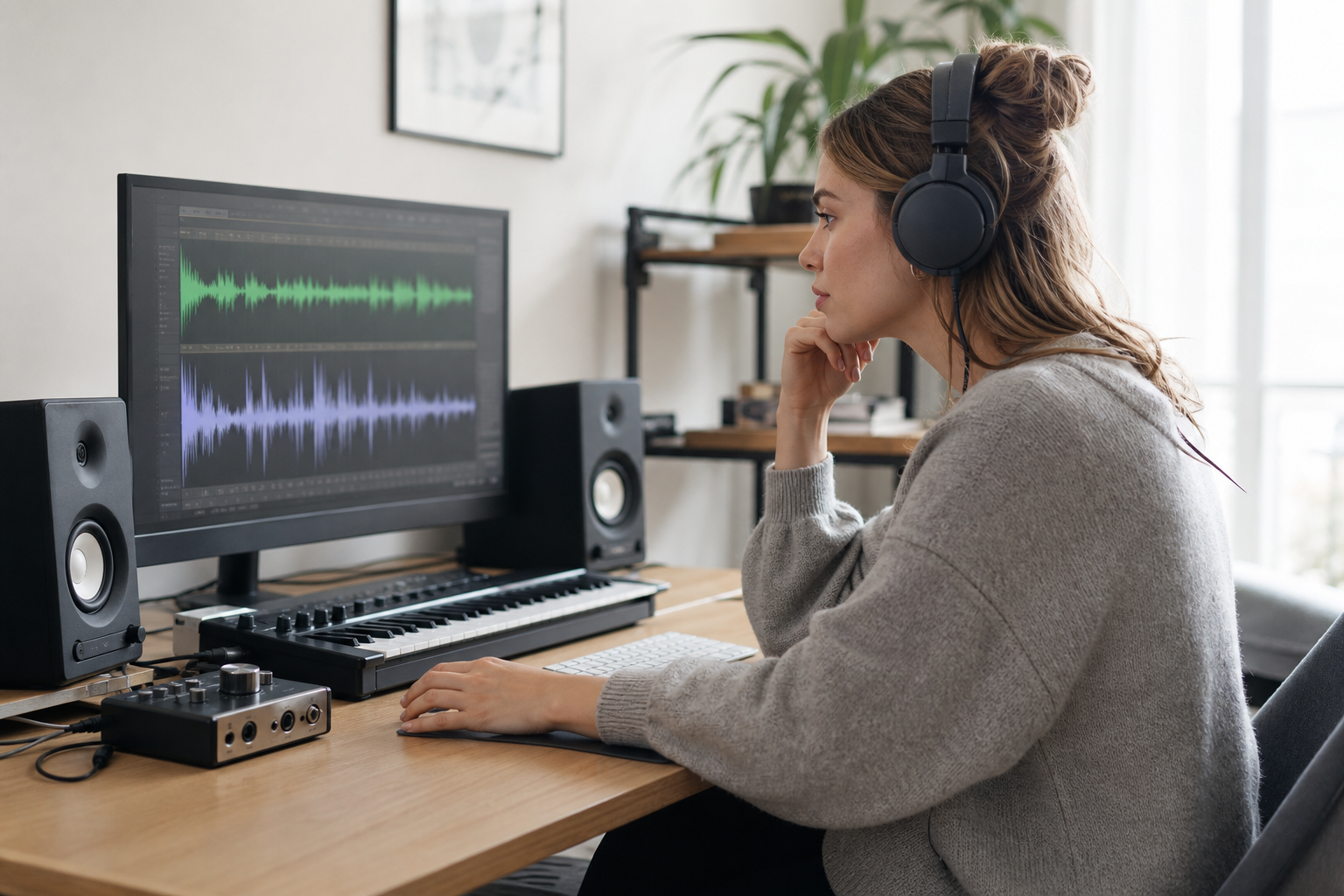
Play the vocals or instrumental on its own before you download the files you need.





Use separated vocals and instrumentals across five distinct creative workflows.
Use the instrumental for rehearsal, covers, podcasts, or cleaner video edits. Use the vocal stem to prepare an acapella, remix, or arrangement study.
Use the cleanest, highest-quality source available. Lossless files and balanced mixes usually separate more cleanly than clipped or heavily compressed audio.
No. TuneStem runs in your browser. Add a public Suno URL or upload an MP3 or WAV file to begin.
Completed download files are kept for 7 days. Download your separated tracks before the files expire.
Only separate audio that you own or have permission to process. You are responsible for the rights to the source and the resulting stems.
Start with an audio file or a public Suno link.